Having an updated GitHub profile is fundamental nowadays because it's usually taken into account in interviews, and companies often ask for it, especially when looking for your first job.
But not only projects matter, it's also important to stand out in your profile. A good profile is more noticeable than a blank or underdeveloped one.
In this tutorial, I'm going to show you how to improve your GitHub profile, make it professional, easily and quickly taking advantage of using templates.
1. Repository creation
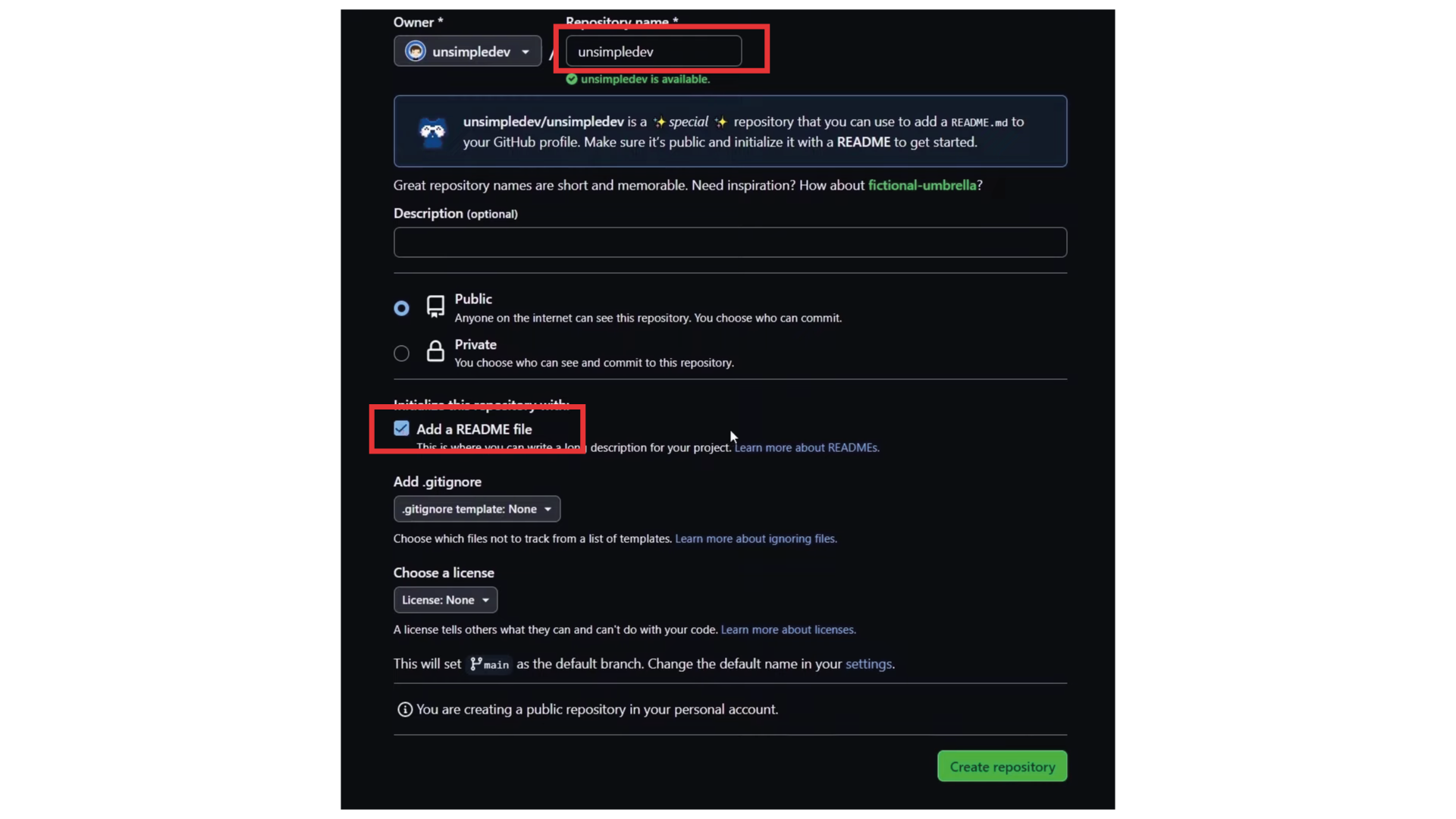
- folder_special Log in to GitHub and create a new repository. It's fundamental that the name exactly matches your username.
- visibility The repository must be public and must include a README.md file.
2. Using templates
Several pages offer free Markdown templates. You can copy and paste them directly into your Readme file.
External Resource
Awesome GitHub Profile Templates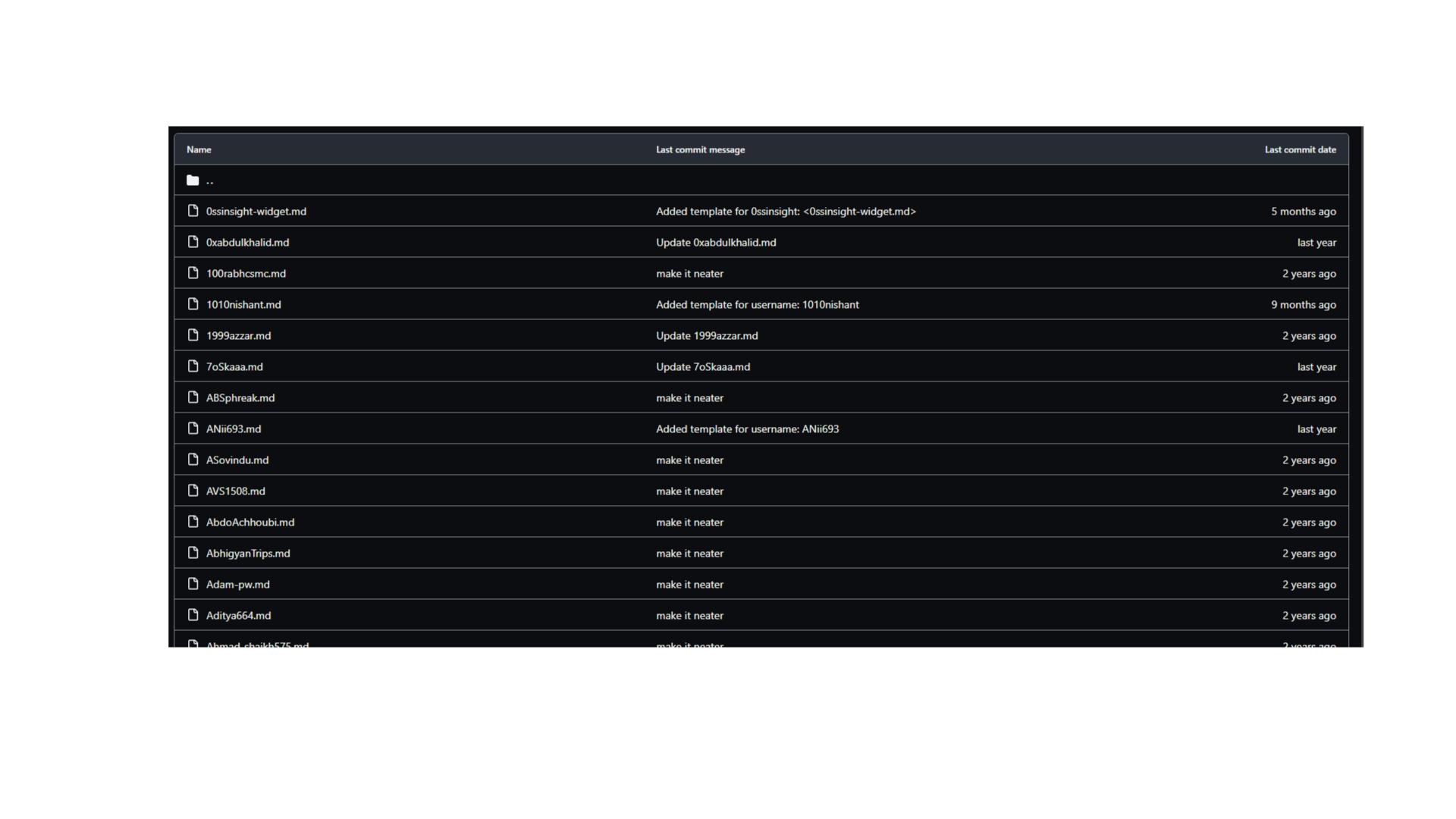
3. Adding buttons and icons
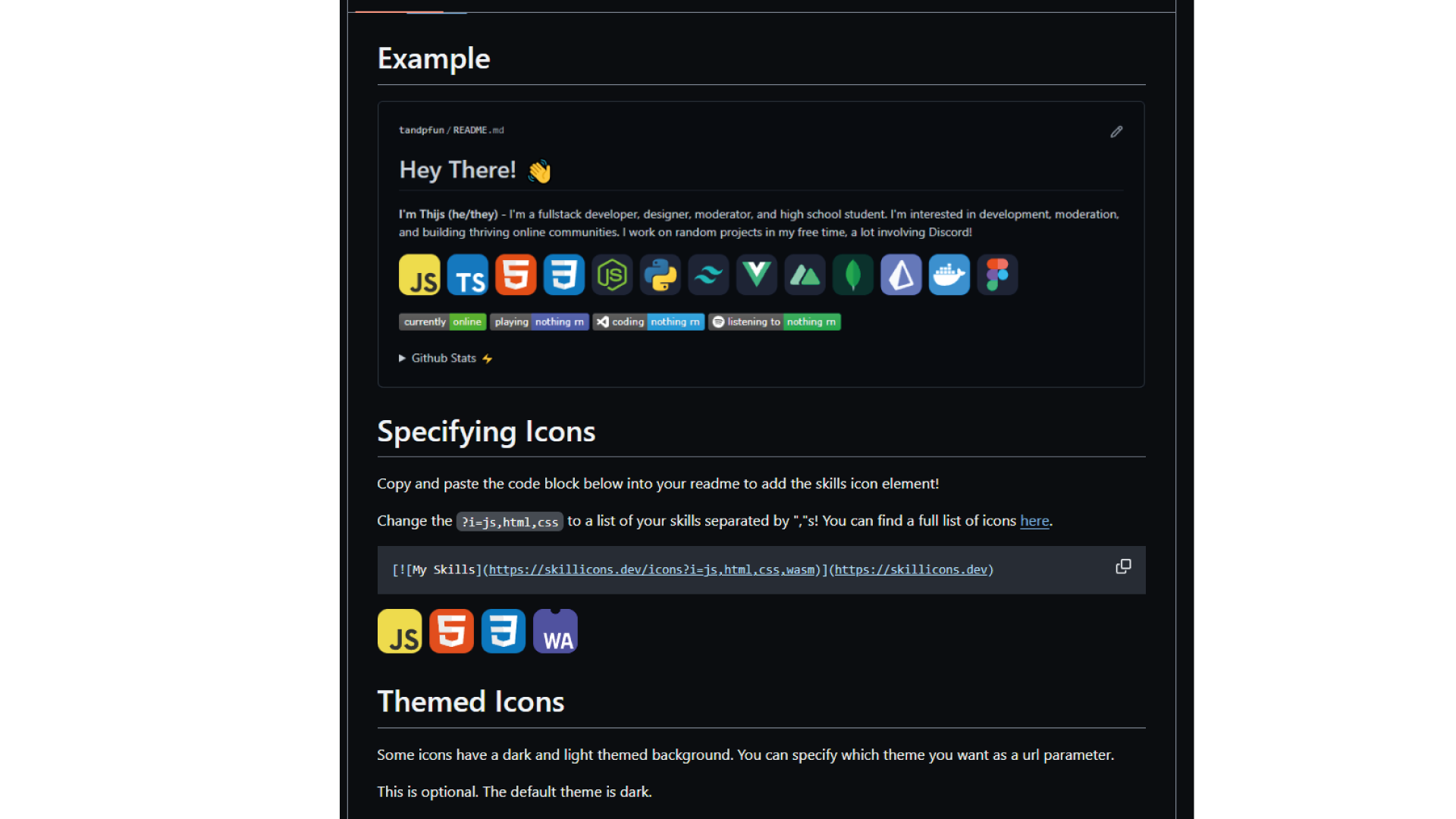
Add some color to your profile by linking social networks and highlighting your technologies with badges and technical icons.
- Social Media Badges 150+ Badges for GitHub
- Technical Icons Skill Icons Repository
4. Personalizing the profile
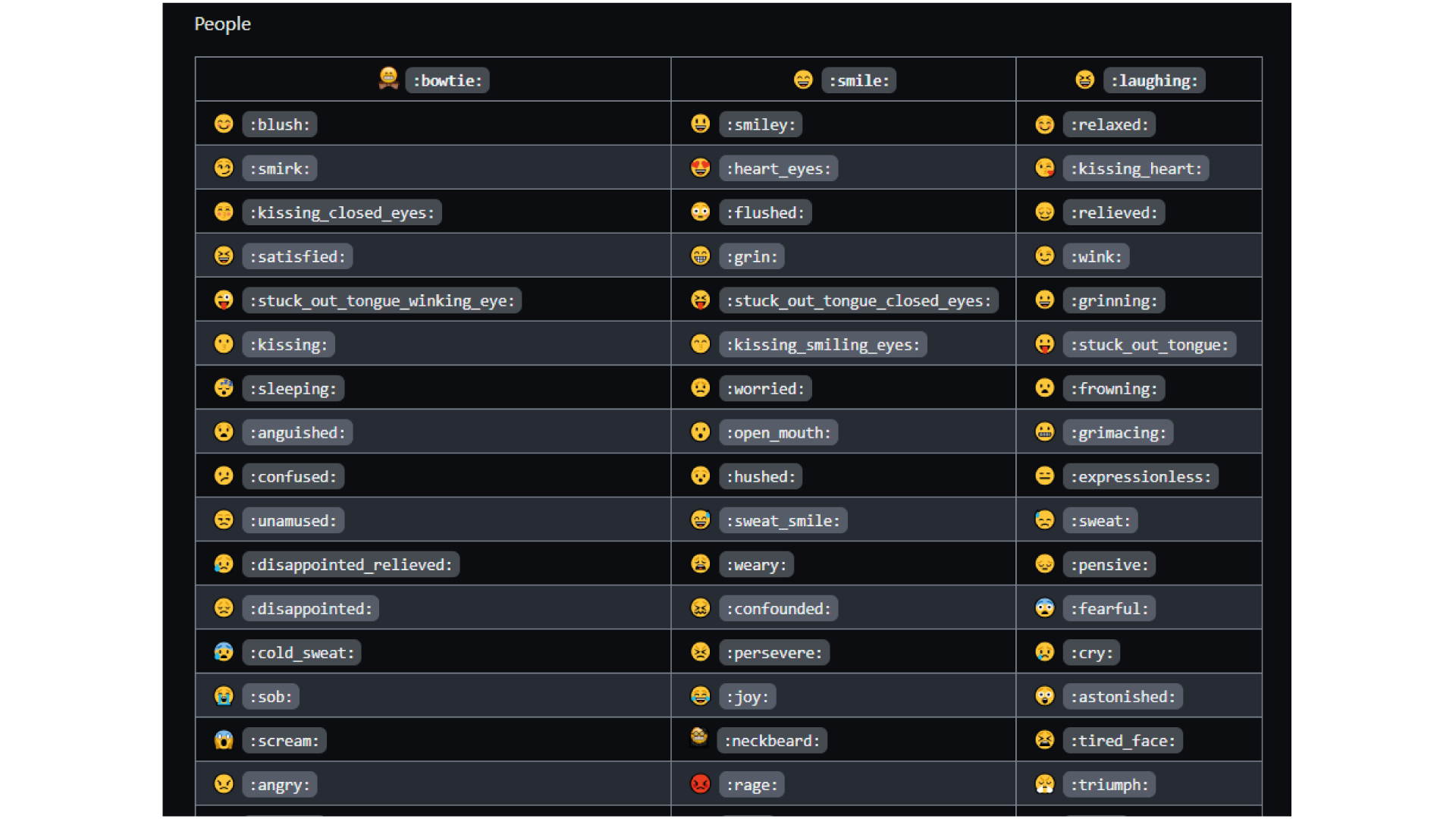
Add images, animated GIFs, or videos. It is also recommended to include emojis to give it a unique personality.
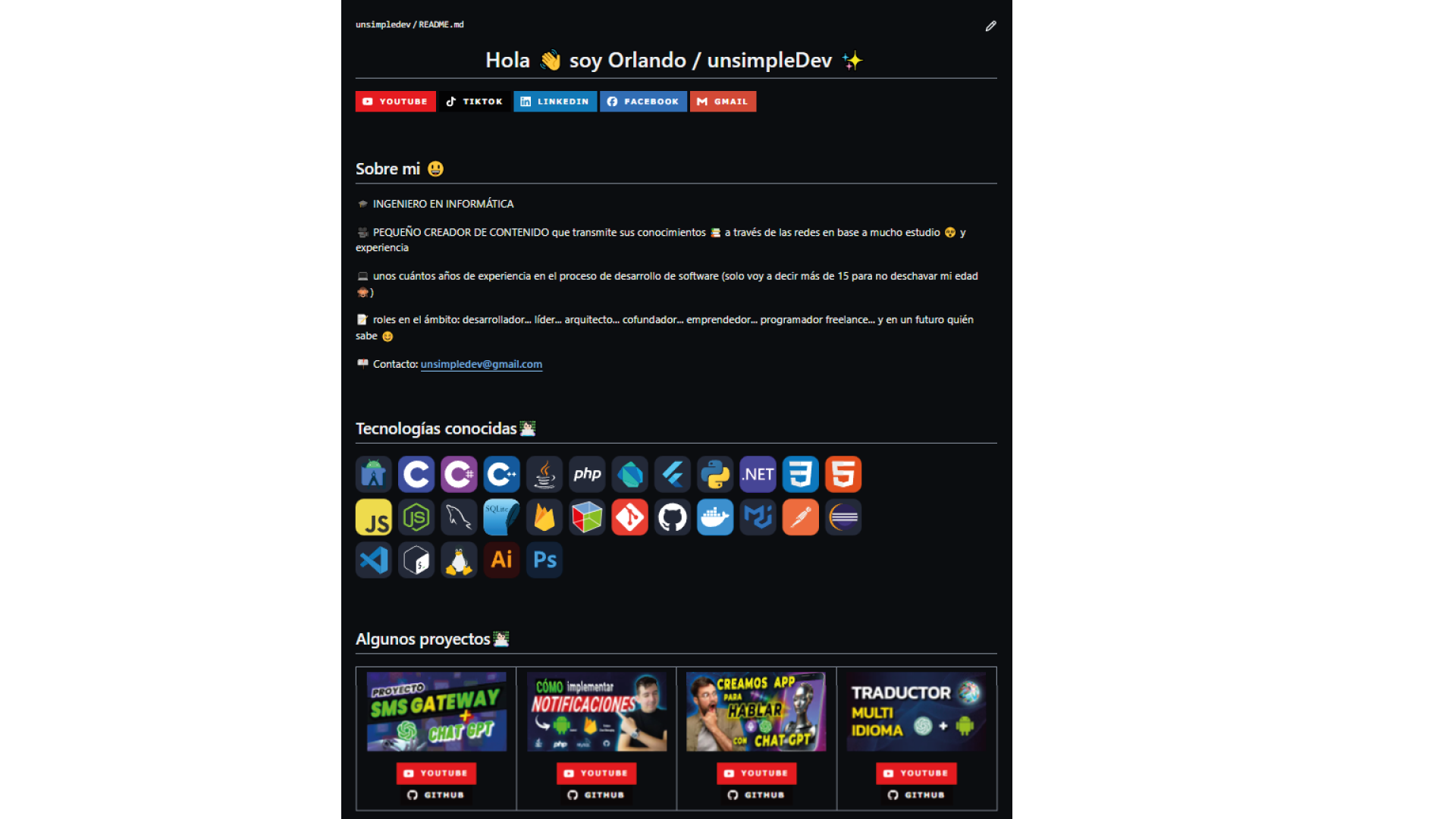
# Get Inspired
I'll leave you the Readme of my profile in case you want to copy something or see the structure: