In this article, we are going to look at ARRAYS - VECTORS - MATRICES, a structure that allows us to store a set of elements. Discover how to use these powerful tools to manipulate groups of data efficiently.

# Arrays
An array is a structure that stores a fixed number of elements, all identified with the same name. Generally, we must specify the number of elements at the time of creation.
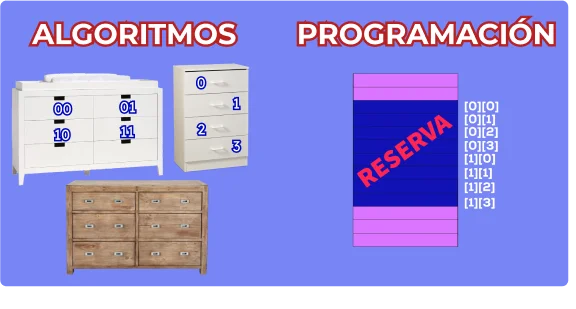
# One Dimension: Vector
The vector is the simplest array. It has N elements, identified with indices from 0 to N-1.
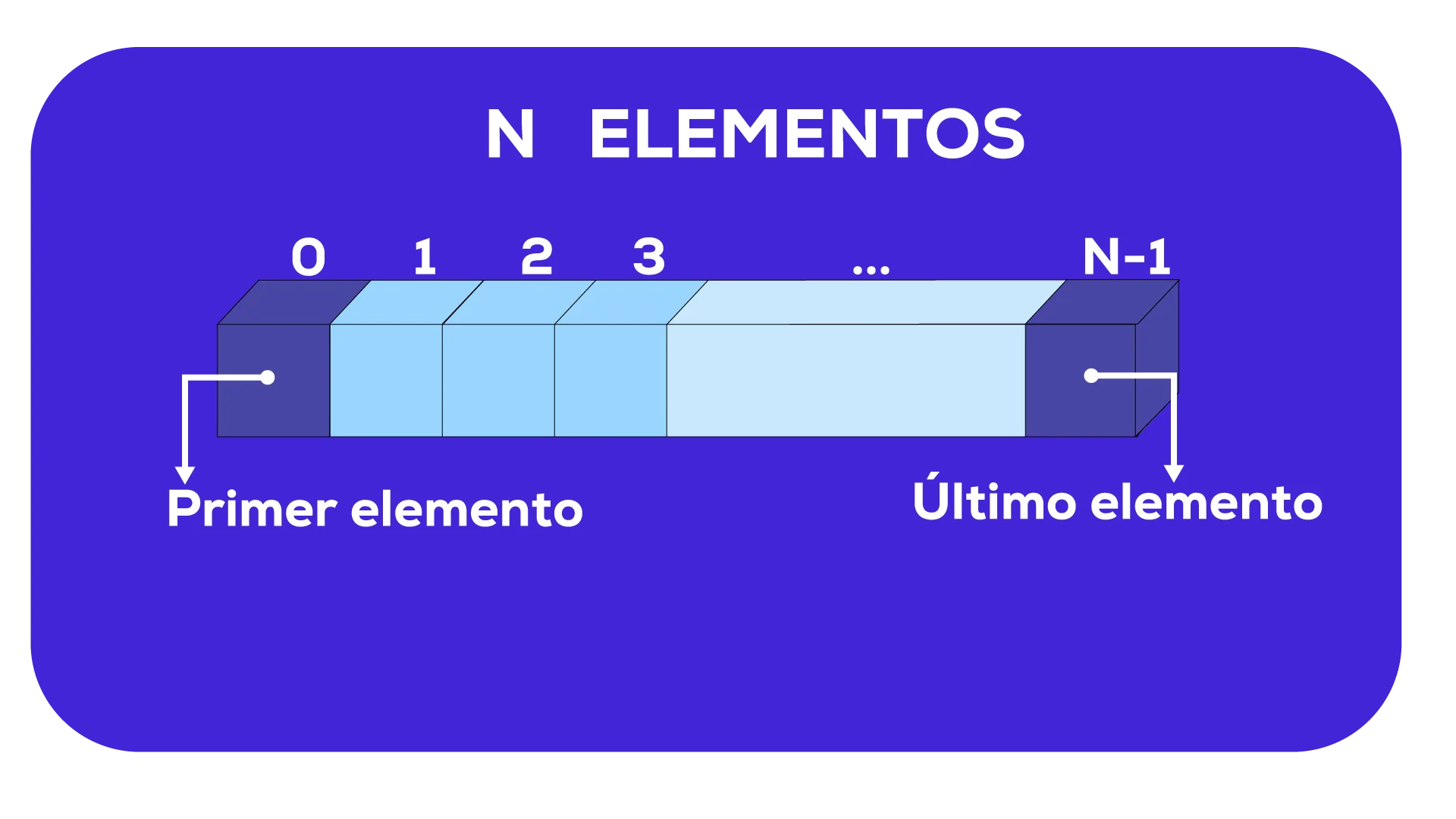
// Technical definition:
data_type name[N]
Example: INTEGER numbers[3]
(Indices: 0, 1, 2)
# Initialization and Traversal
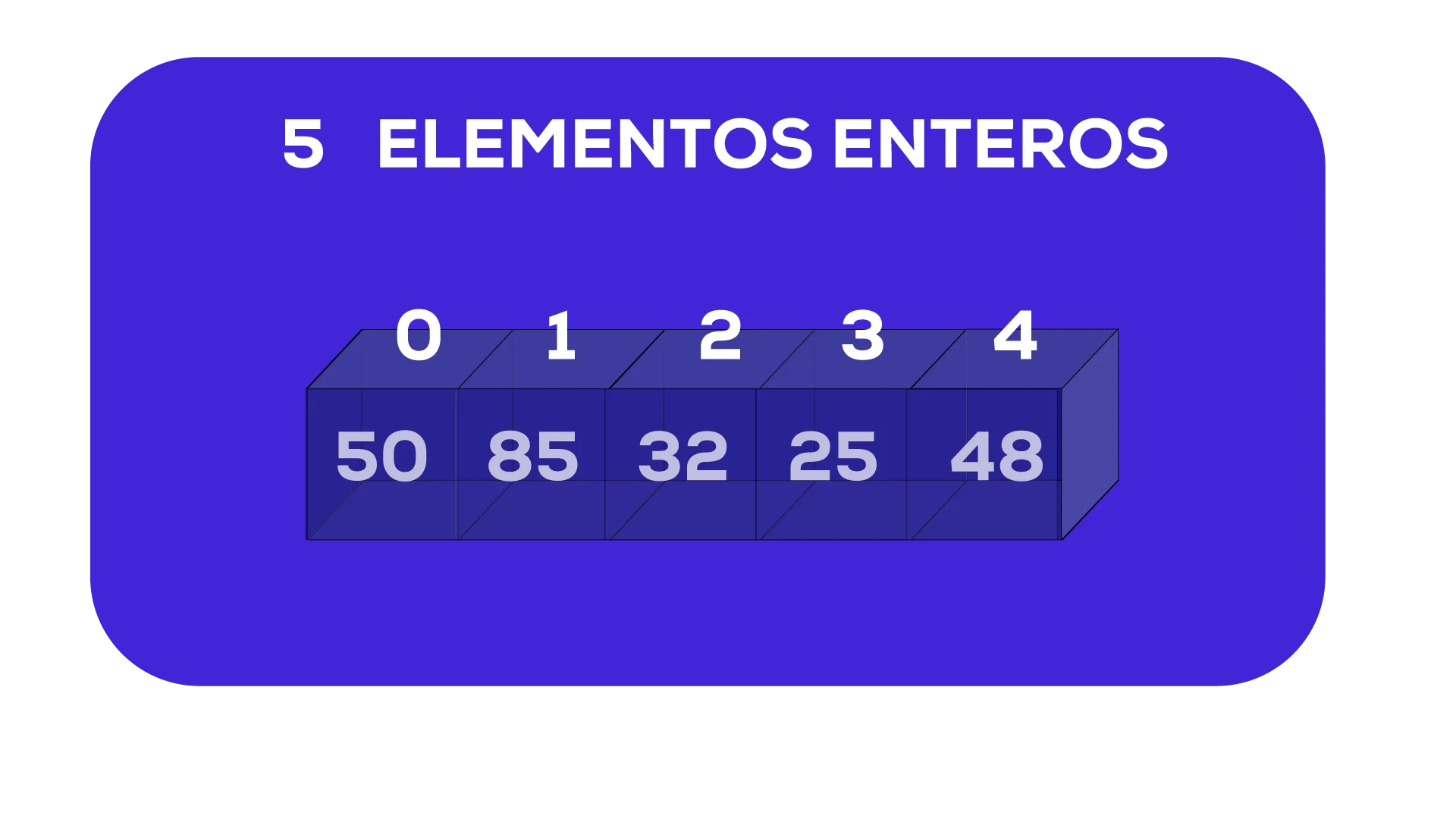
To process large volumes of data, we traverse the vector sequentially using cyclic structures:
# Length Property
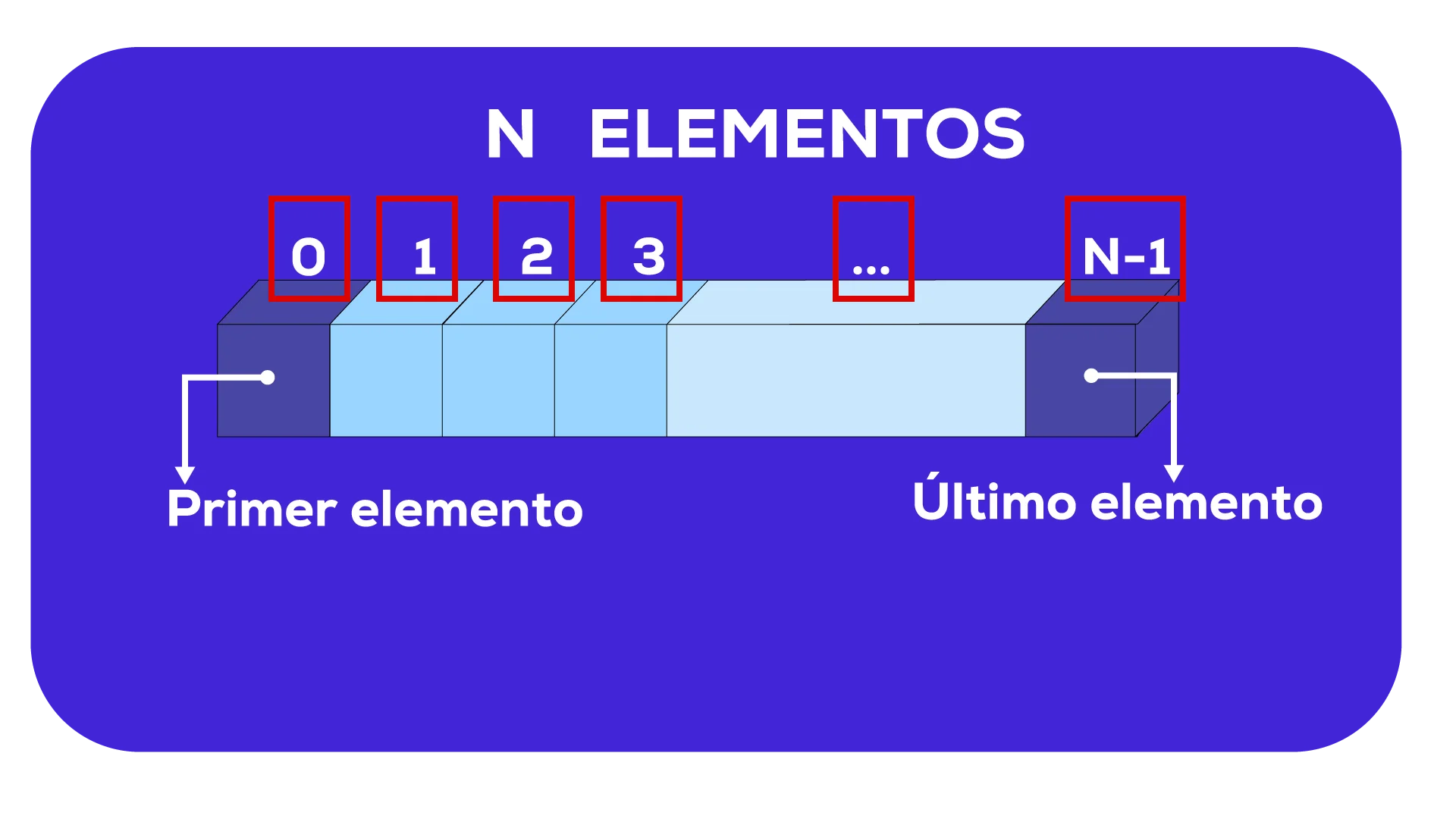
Most languages provide the length property to know the size of the vector, avoiding "hardcoding" values in the code.
FOR index = 0 TO myvector.length - 1
    myvector[index] = 0
# Two Dimensions: Matrix
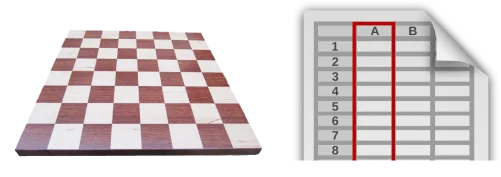
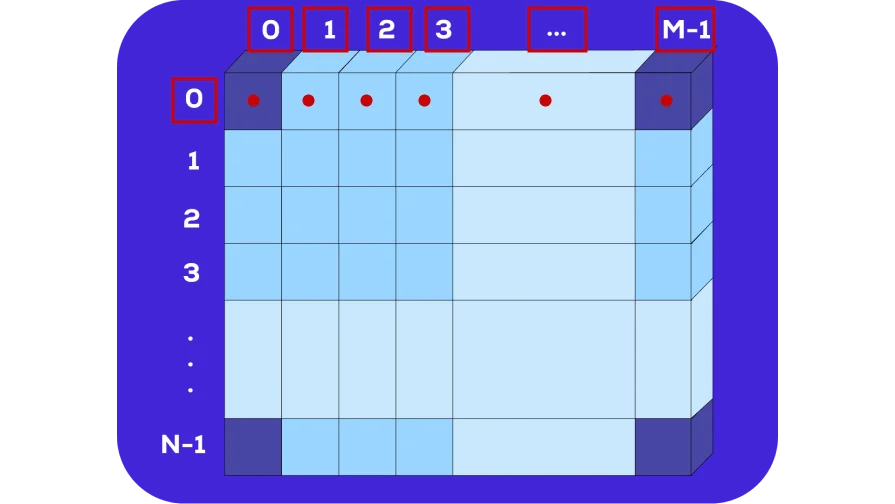
Visually it is like a chessboard or an Excel sheet. It is accessed using two indices: [row, column].
Row-wise traversal vs Column-wise traversal:
# Practice Exercises
Load 50 temperatures, calculate average and list those superior to it.
FOR position = 0 TO 49
  sum = sum + temperatures[position]
average = sum / 50
FOR position = 0 TO 49
  IF (temperatures[position] >= average) THEN
PRINT temperatures[position]Determine how many students are taller and shorter than the class average.
FOR position = 0 TO 29
  IF (heights[position] > average) THEN taller++
ELSE IF (heights[position] < average) THEN shorter++Insertion and shifting of elements in an array of strings.
cryptocurrencies[4] = cryptocurrencies[2] // Move BNB
cryptocurrencies[2] = "USDT"
cryptocurrencies[3] = "SOL"Column summation and maximum value search in a matrix.
FOR j = 0 TO 2 // Columns
  FOR i = 0 TO 2 // Rows
    columnSum[j] = columnSum[j] + matrix[i][j]
In the next article, we will see records, a tool that proposes encapsulating data within a variable.